Rukovodstvo polzovatelya mobilnogo prilojeniya
Polnoye rukovodstvo po 3D-skanirovaniyu litsa, modelirovaniyu i otslezivaniyu patsiyentov s pomoshyu mobilnogo prilojeniya Kratos 3D.
Topics
Guide Steps

Upload icon
Keep the app open until the upload icon disappears. Upload usually takes about 5 seconds, depending on your internet speed. If it is slow, turn off Wi-Fi and use mobile data.

Processing icon
Your scan is being processed. You may close the app.

Cube icon
Your 3D model is ready. You will receive a notification.

Error message
The scan was not completed correctly. Please perform the scan again.
Zagruzite i ustanovite prilojeniye
💡 Sovety i luchshiye praktiki
Skaniruytye pri yestestvennom ili dostatochnom iskusstvennom osveshenii.
Derzitye telefon neyepodbizno; dvizheniye snizayet kachestvo skana.
Ubediтes chto patsiyent stoit s neytrаlnym vyrazheniyem (bez ulybki).
Sil noye soedineniye WiFi sokrashchayet vremya zagruzki modeli.
❓ Chasto zadavayemyye voprosy
Kakiye telefony podderzhivayutsya?
Bezopasny li dannyye skanirovaniya?
Skolko vremeni zanimayet podgotovka modeli?
Where can I find my sharing code?
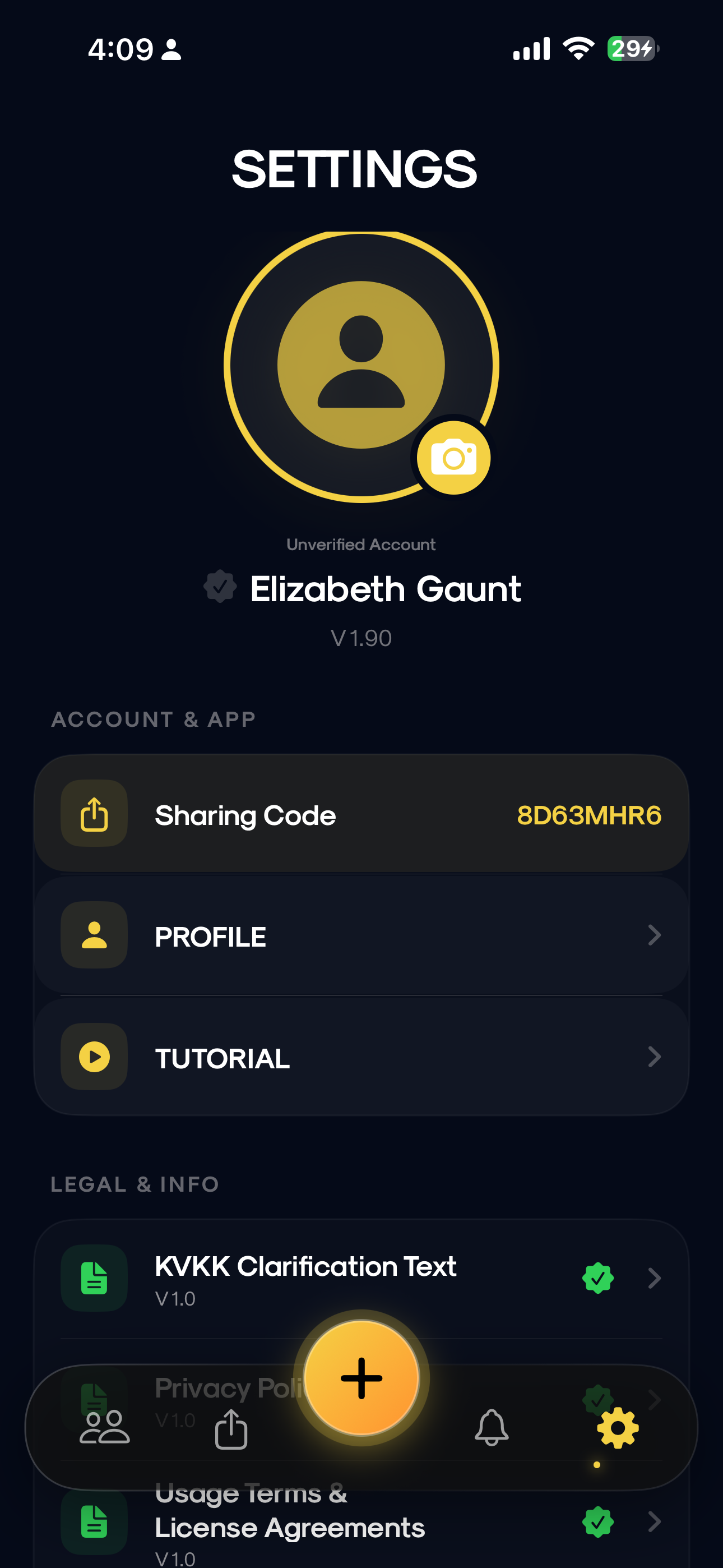
Tap the gear icon from the bottom menu to go to the settings screen.
How can I add my profile picture?
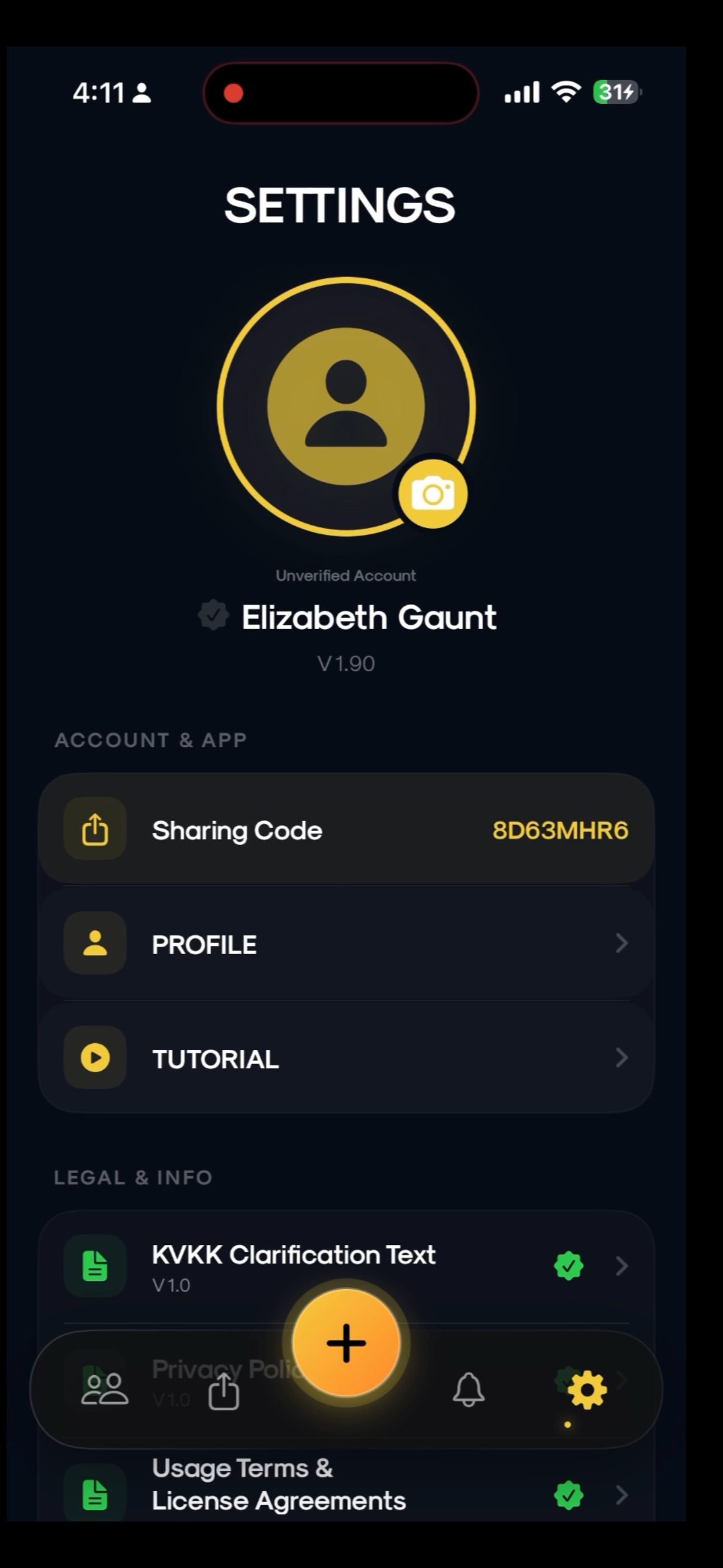
- Go to Settings: Tap the gear icon in the bottom menu.
- Tap the camera icon: Tap the yellow camera badge on your profile avatar.
- Select photo source: Choose CAMERA or GALLERY from the popup menu.
- Confirm: Crop your selected photo and tap OK to complete.